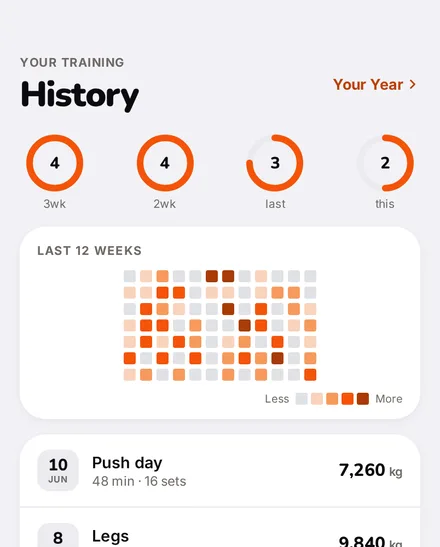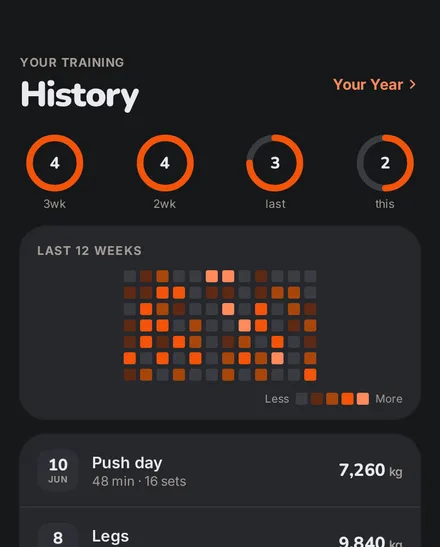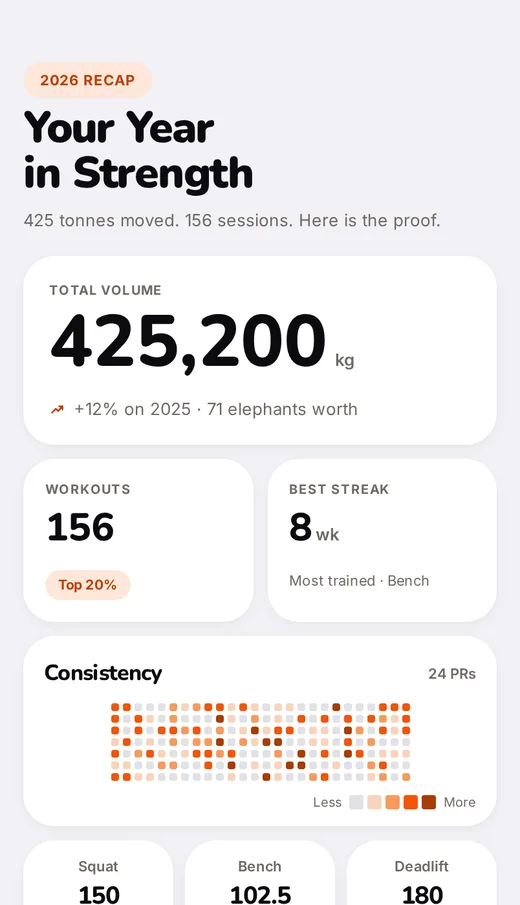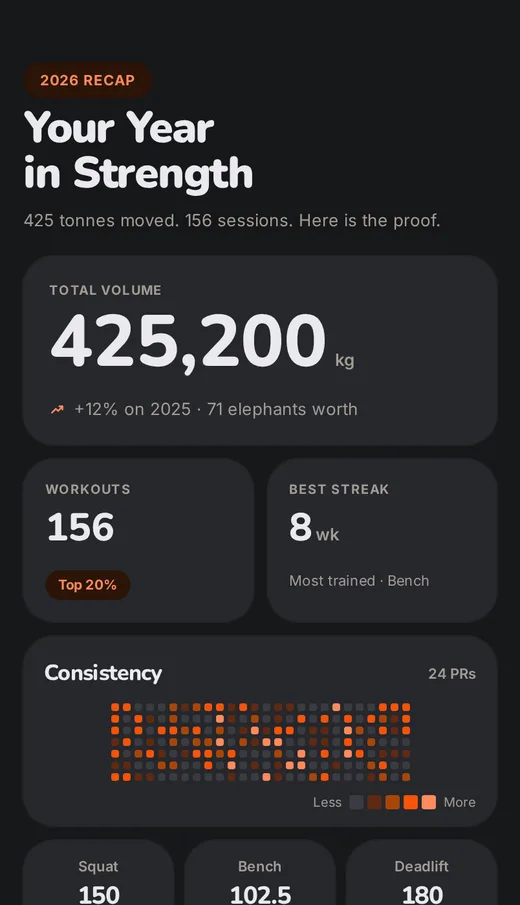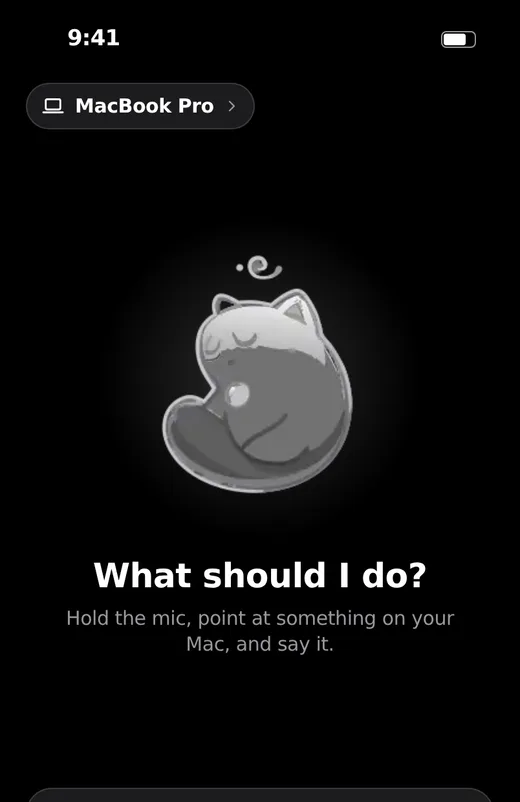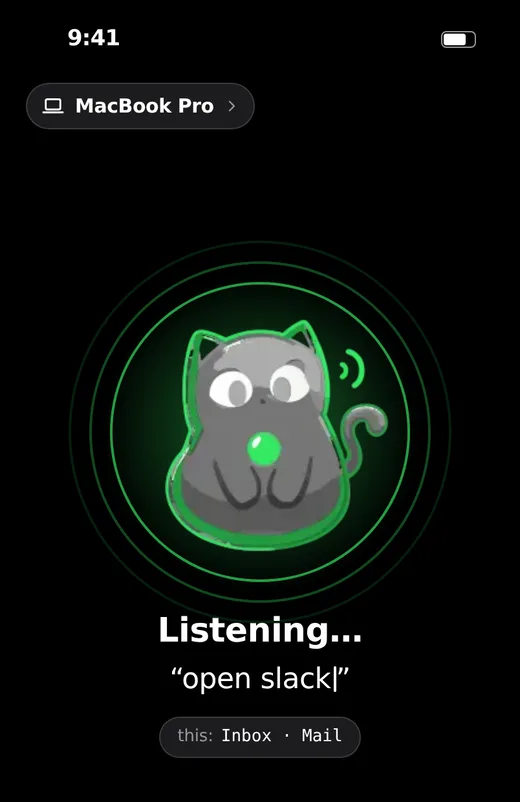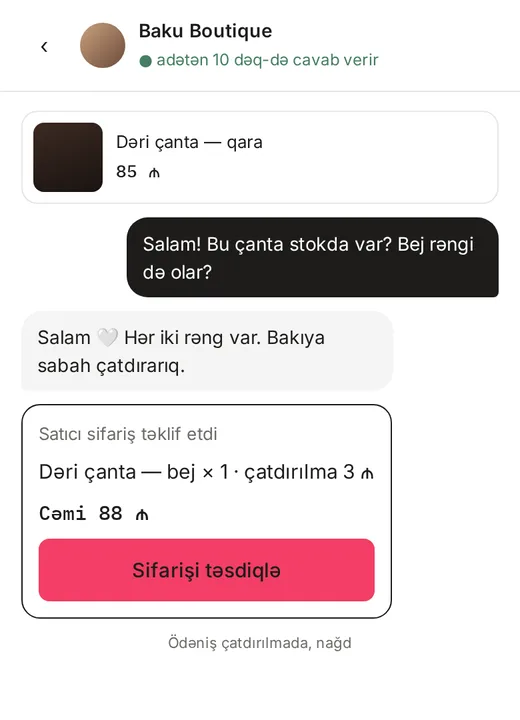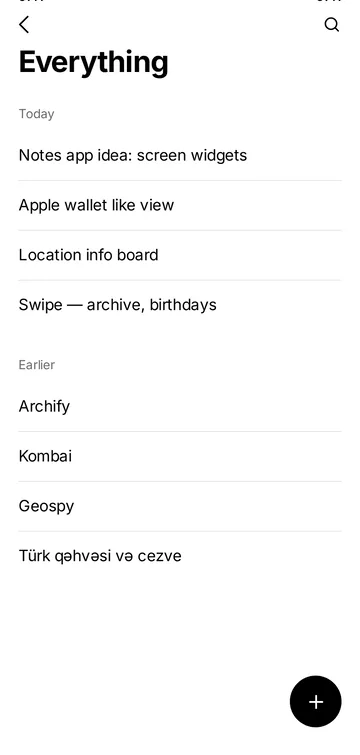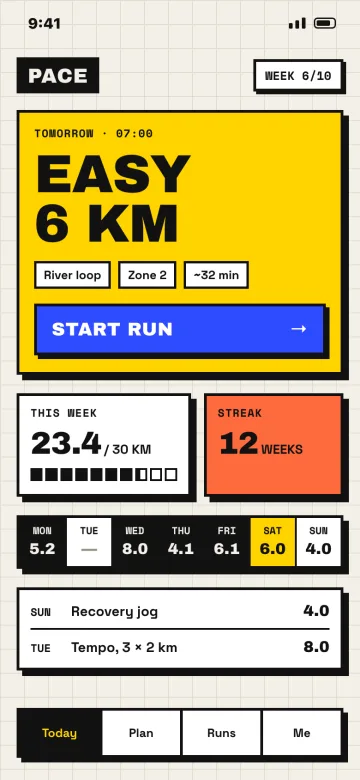
Let your agent design your app

See it before any code. No designer. No Figma.

Start free

Works with Claude Code Cursor Codex Gemini Copilot opencode

Loupe in under a minute

Build blazingly fast. With the AI you already use.

In Figma or Sketch, you place every box by hand. With Loupe, your agent does it.

Without Loupe, a person in Figma or Sketch draws a screen shape by shape. By the time they finish one, Claude Code, working through Loupe from the terminal, has designed three. They manage two.

Not happy with it? Let your AI try new ideas.

Not sure what is wrong? Pick a screen. Your AI makes four new versions. Keep the one you like.

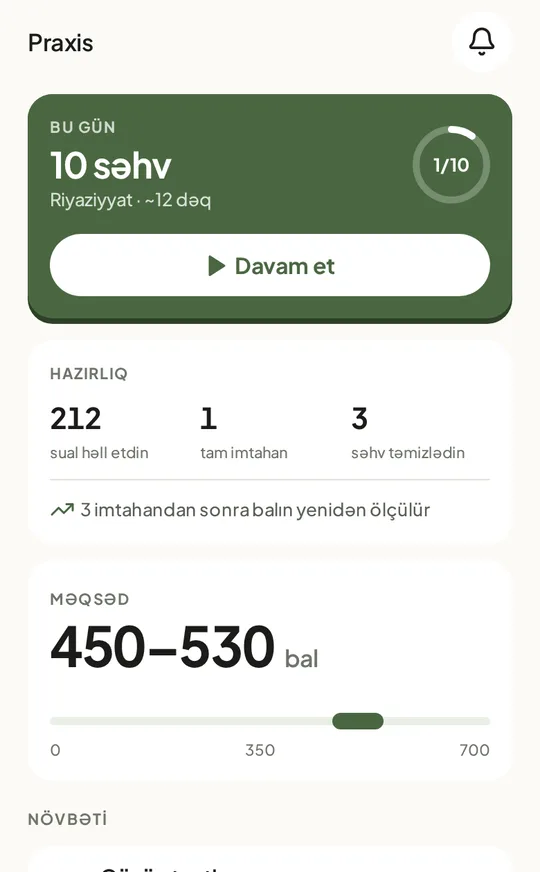
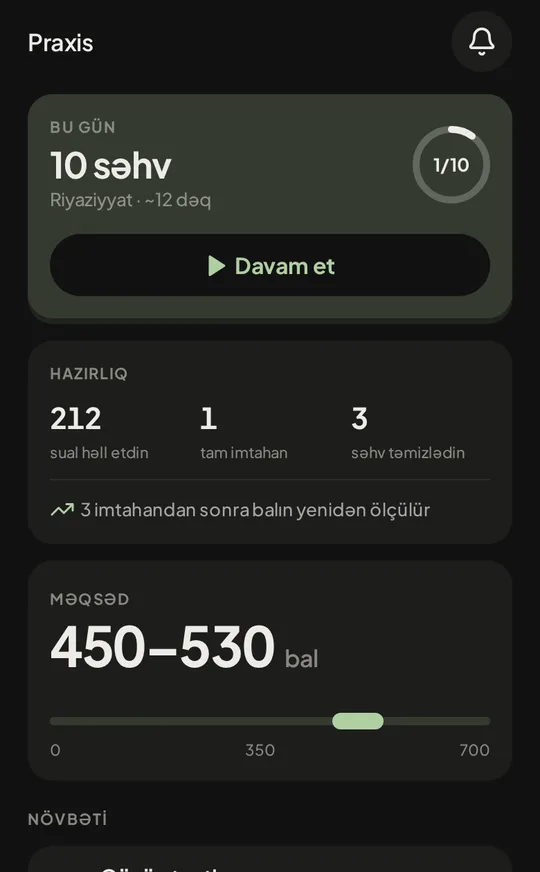
On the Moss board, you select a plain first draft of the home screen and ask Claude Code for four other looks. Four very different versions arrive beside it: Calm, Night, Ledger and Bright. You pick Calm and say why, and Claude Code builds that one.

AP

Calm. Money should feel quiet, not loud.You · picked Calm

Building Calm. I saved your reason, so the next screens follow it too.Claude Code

Your 40th screen matches your first.

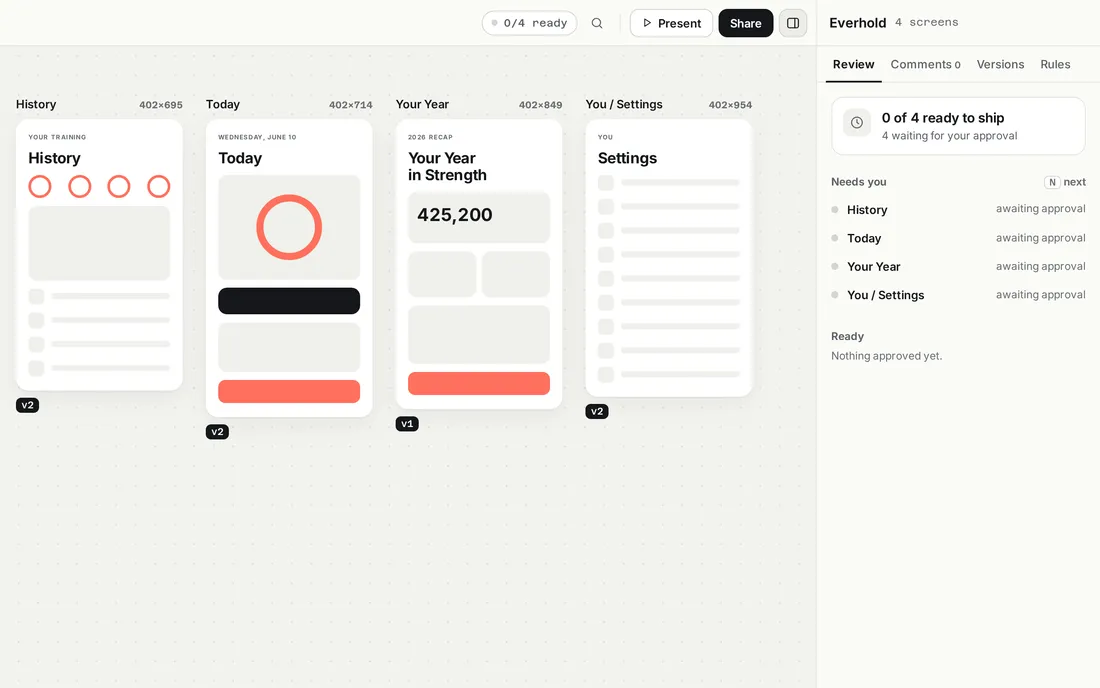
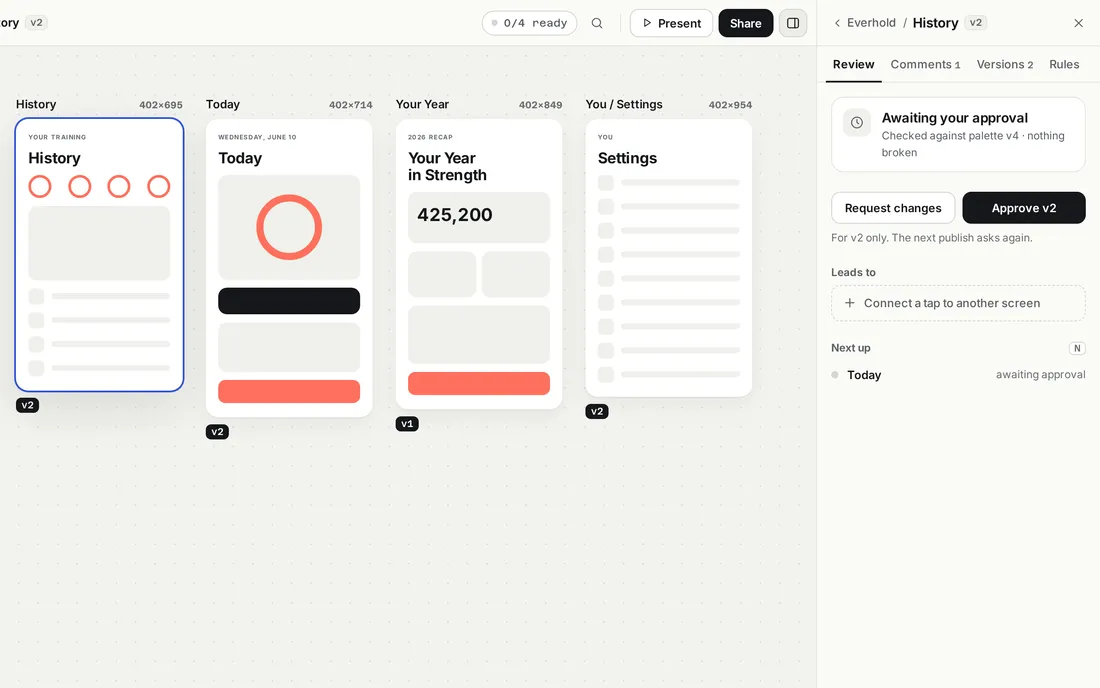
Loupe checks every screen and tells your agent what to fix. Point at anything else.

you → Codex

Add a split-the-bill screen.

Codex publishes a split-the-bill screen. Loupe finds three problems on it. You point at the Request button and ask for it to be the loudest thing, always. Codex publishes v2 with all three fixed, and your words become a rule for every screen.

Split billv1— × —
1 2 3
  1. 1
    token_driftThe request button uses a slightly different green.The request button uses the right green.measuring…
  2. 2
    text_clipped"Split between 4 people evenly" is cut off."Split between 4 people evenly" fits.measuring…
  3. 3
    contrast_lowThe caption above the button is too faint to read.The caption above the button reads clearly.measuring…
  • Stop asking for my email, you already have it.Never ask twice for something we know
  • Make this the loudest thing. Always.One main button per screen
You

Saves your tokens.

Loupe does the checking, so your agent uses less of your AI plan.

  • Sends only the changescreen_patch

  • Reads a short note, not a screenshotfeedback_pull

  • One image for twelve screensscreen_contact_sheet

  • Shows only the problemscreen_screenshot

Screens that really work.

Each screen is real HTML, opened in a real browser. You can click it, see it in dark mode, and see it at any size.

Clickable

Link onboarding to home, then to settings.

Dark mode, checked

Does Today work in dark mode?

Any screen size

Now the same screen on desktop.

Built from your choice

Build the home screen I picked.

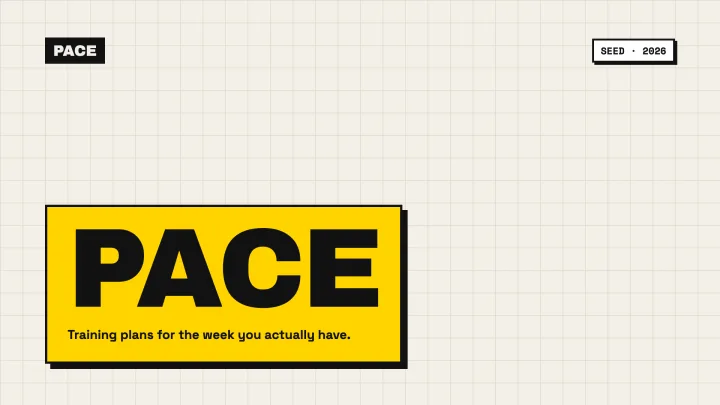
Need to pitch your product? Your AI makes the deck.

Ask once. Show it full screen, share a link, or download a PDF.

You

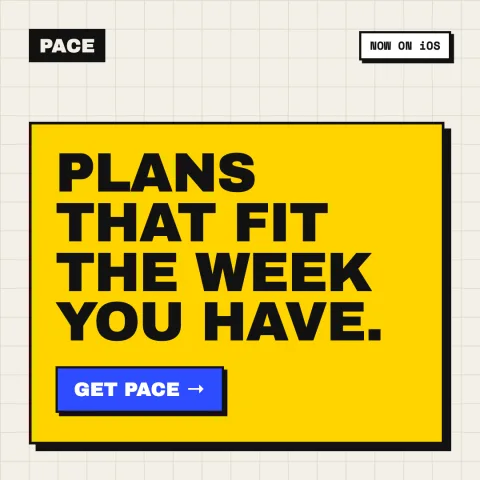
Need posts for social media? Your AI makes every size.

Ask once. Get feed posts, squares and stories, ready to post.

You

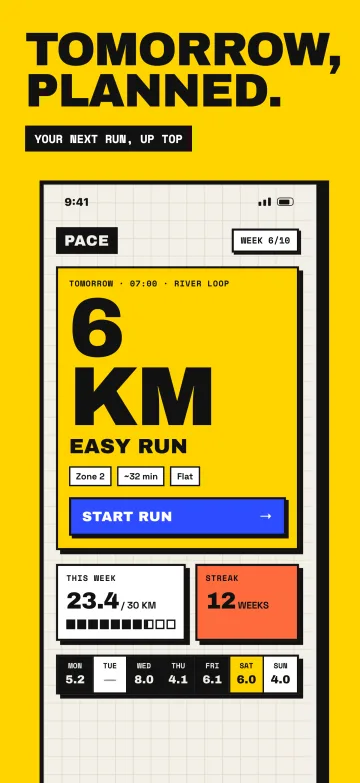
Putting your app in the stores? Your AI makes the listing.

Ask once. Get screenshots, icons, the Google Play banner and the store text, each at the size and length the store asks for.

You

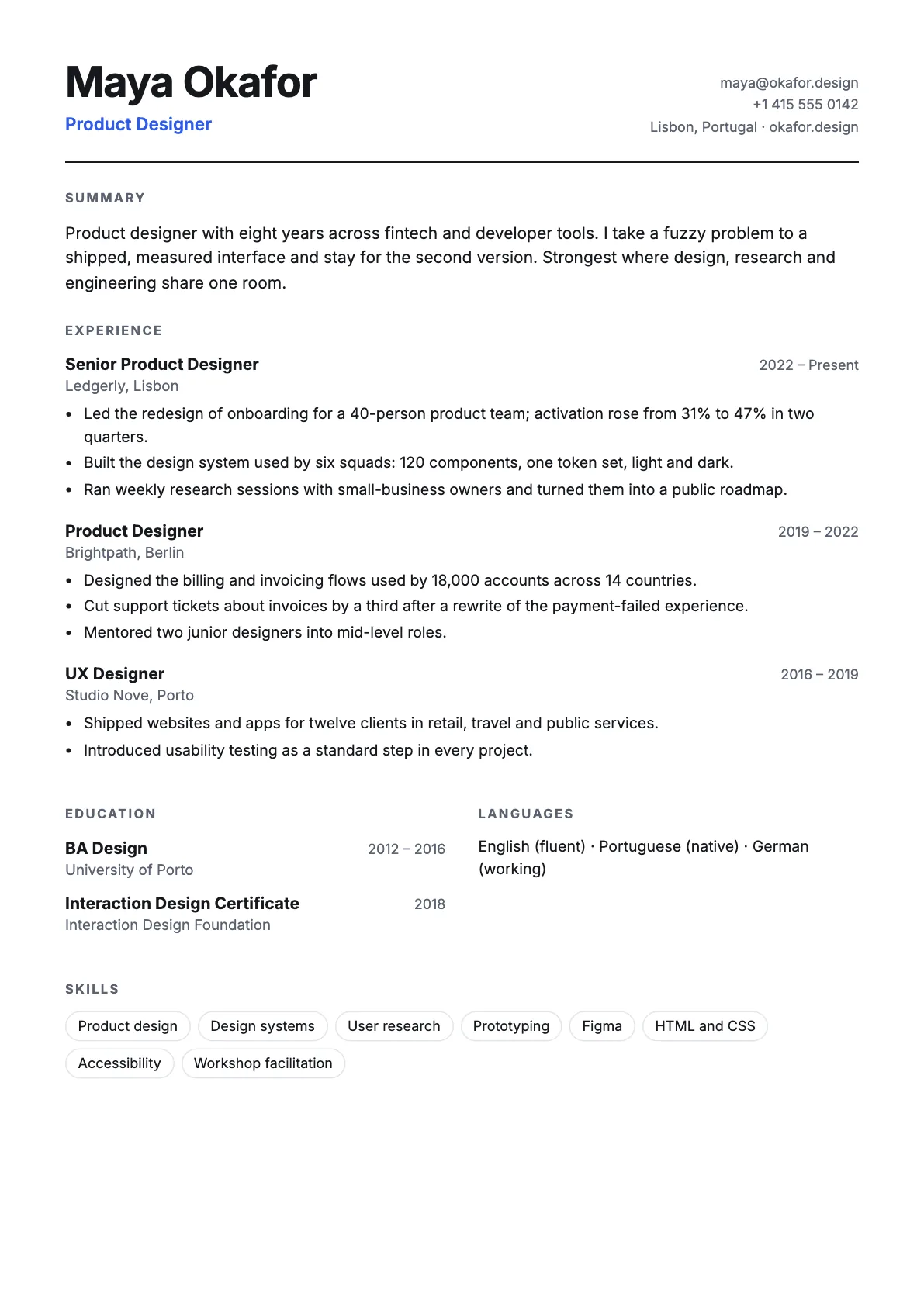
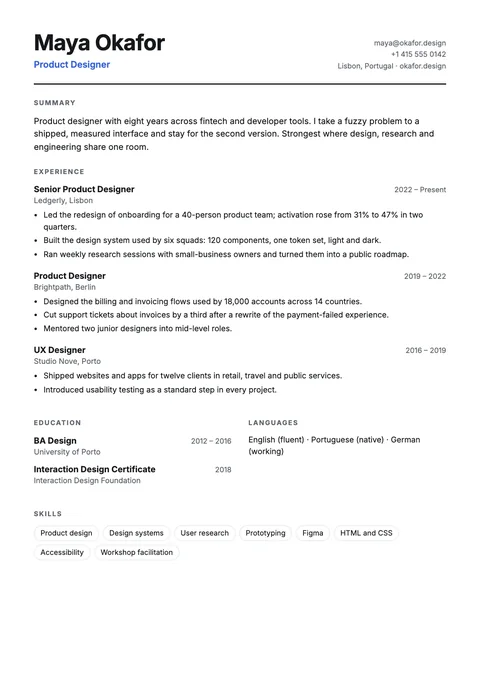
Need a resume? Your AI makes the PDF.

Ask once. Get a resume that fits the page, as a PDF with text you can copy.

Designing in Figma first? You build it twice.

With Figma, your AI makes a drawing. Then it has to build it again in code.
Loupe gives your AI real HTML from the start.

Figma's MCP Loupe
Making a screen Many small steps One step
Turning it into your app Rebuild it in code It's already code
Your comments Agent can't read them Agent reads them
Off-brand colours Not caught Caught, with the fix
Your feedback, next time Forgotten Remembered
Price $16/mo per seat Free for 3 projects

Free to start.

Free

$0

  • 3 projects
  • 300 screens
  • Every feature
  • No card
Start free

Paid plans with more projects are coming soon. The only AI cost is your agent's own plan.

Common questions.

Does Loupe build my app?

No. Loupe is where you and your agent choose the design. Then your agent builds the app in your code, from the screens you picked.

Can't a skill or a prompt do this?

A skill tells your agent what good design looks like. But your agent still can't see what it made. Loupe opens every screen in a real browser, keeps every version, and shows the options side by side so you can pick. Your picks and notes are saved, so the next chat, or another agent, starts from them.

Which agents work with it?

Any agent that supports MCP: Claude Code, Cursor, Codex, Gemini, opencode, Copilot and more. Most connect with one URL.

Do I give Loupe an AI API key?

No. Your agent does the design with your own AI plan. Loupe doesn't run any AI itself, so you don't pay twice.

Can two agents draw on the same board?

Yes. Each agent shows its name and what it's doing on the screen it's drawing. Every publish adds a new version, so one agent never overwrites another's work. You can open any earlier version.

Does it work with an app I already have?

Yes. Your agent can bring in a web app, Django templates or plain HTML, or start a new design. Expo / React Native, Flutter and design exports are in beta.

Design first. Then build.

Free for 3 projects. No card.